MORSE CODE TUTOR FOR A REAL KEY
Your own key.
A better fist.
Plug a straight key, bug or iambic paddle into your PC’s microphone socket and practise sending, copying and keying back, with instant sidetone and feedback on every letter.
Windows 10 & 11 · Straight key, bug or paddle · Free
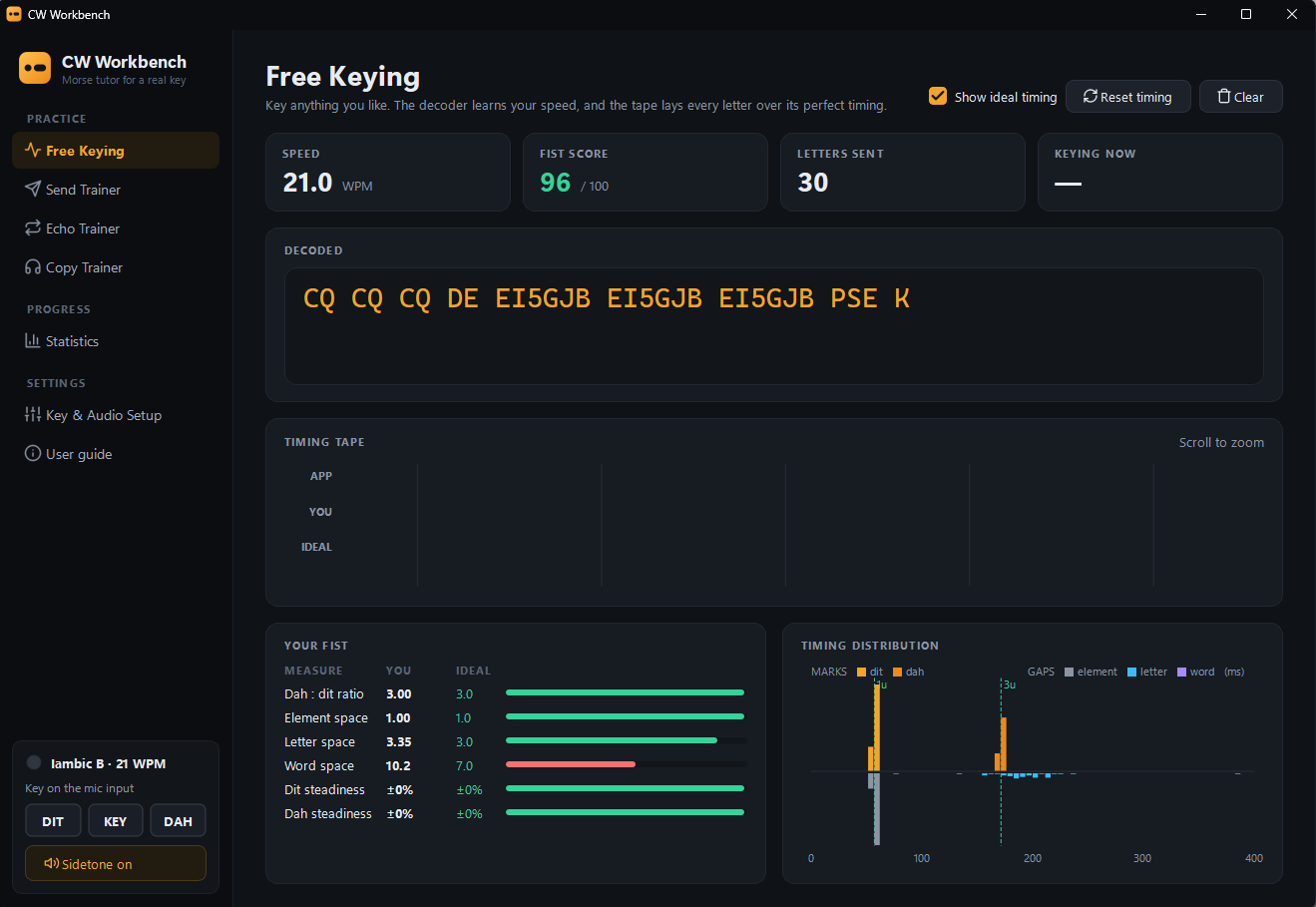
Your own keyDetected through the microphone socket
Radio-like keyingIambic A and B, sidetone within about 10 ms
See your fistEvery letter scored against perfect timing
FOUR WAYS TO PRACTISE
Send it. Hear it.
Copy it back.
Most Morse programs play code at you or let you tap a keyboard. CW Workbench listens to the key you use on the air, and characters you get wrong come up more often.
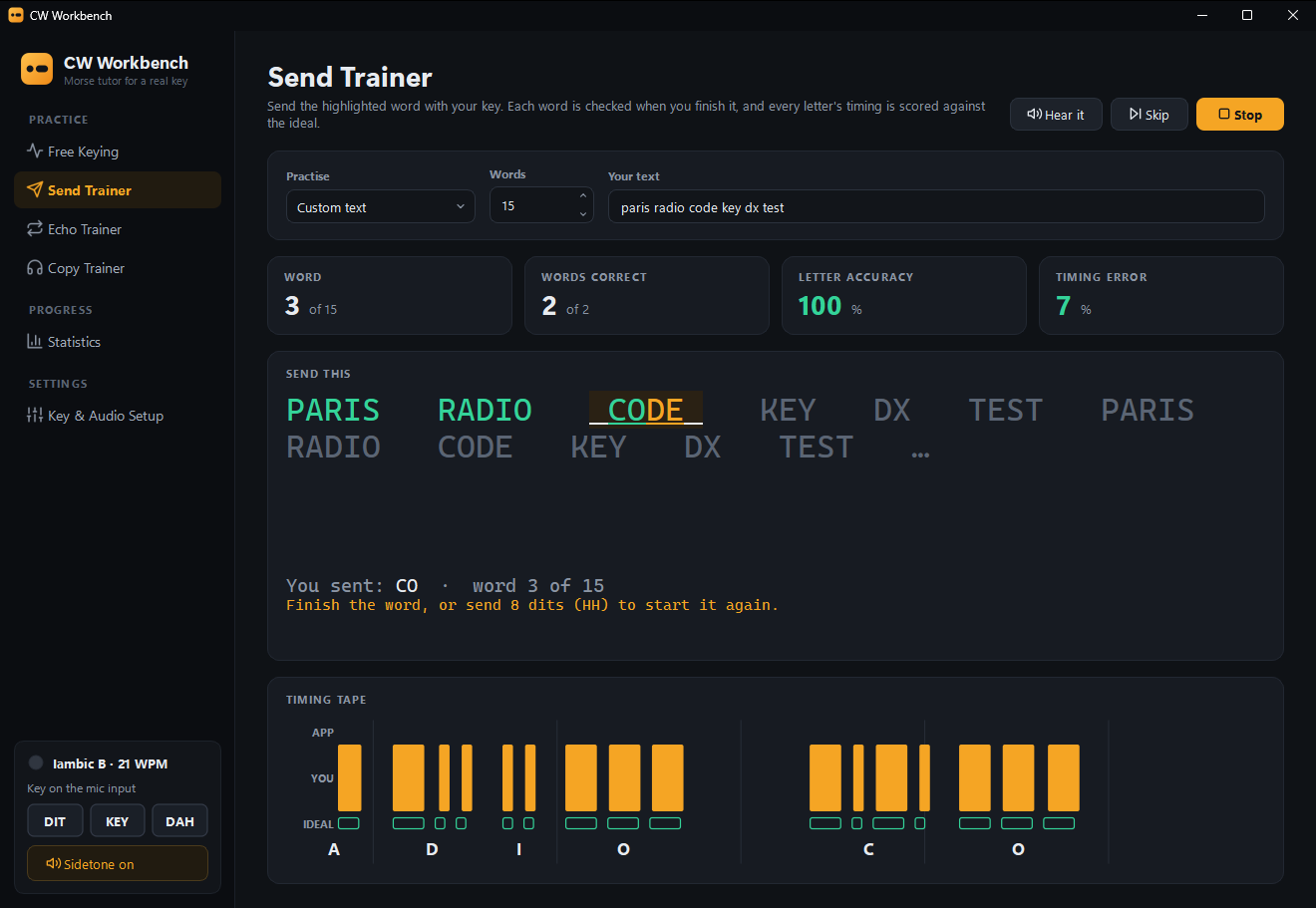 SEND TRAINER
Send it right.
Words, callsigns and QSO phrases, checked letter by letter as you finish each one.
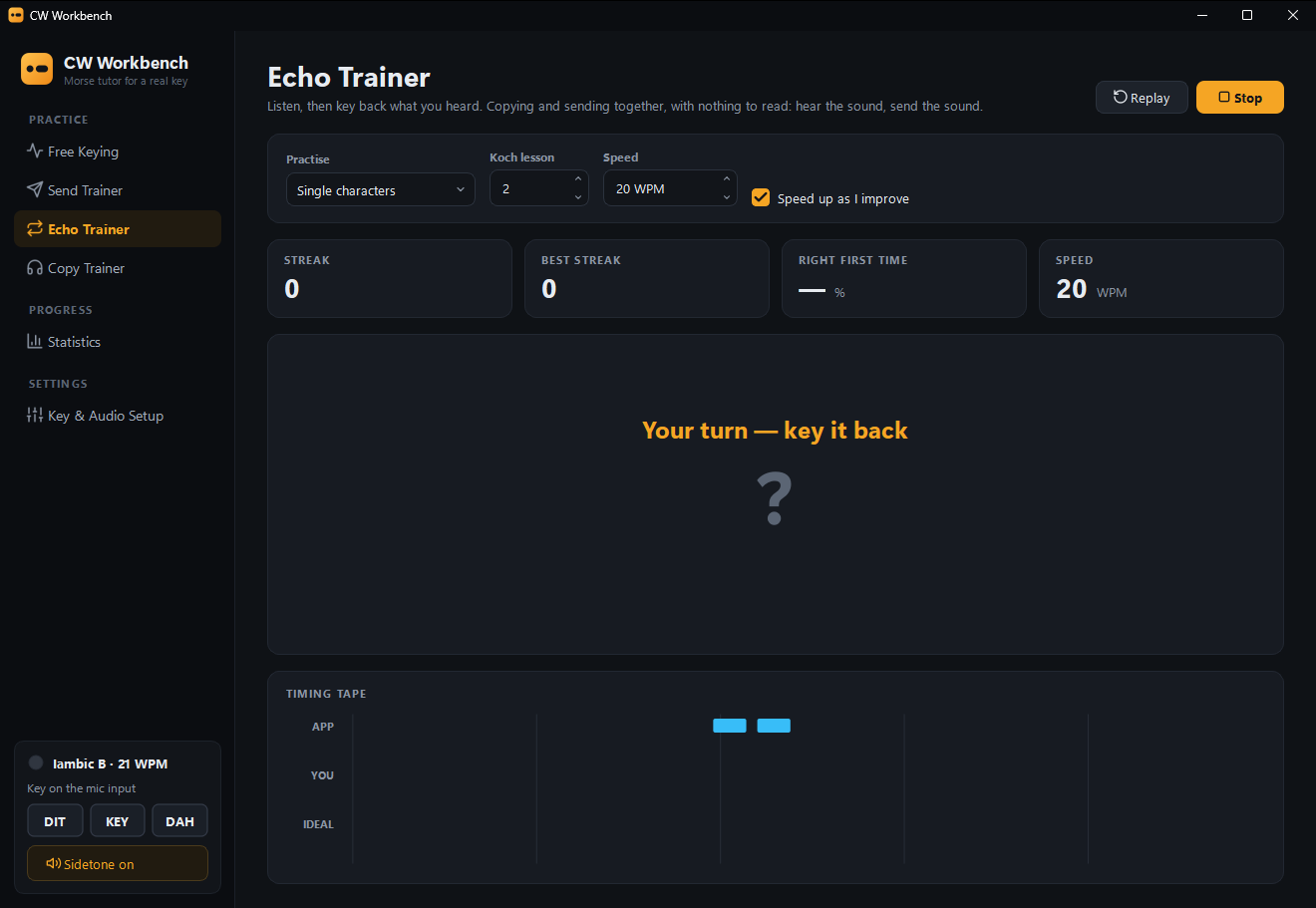 ECHO TRAINER
Hear it, key it back.
Copying and sending trained together. It speeds up as you improve.
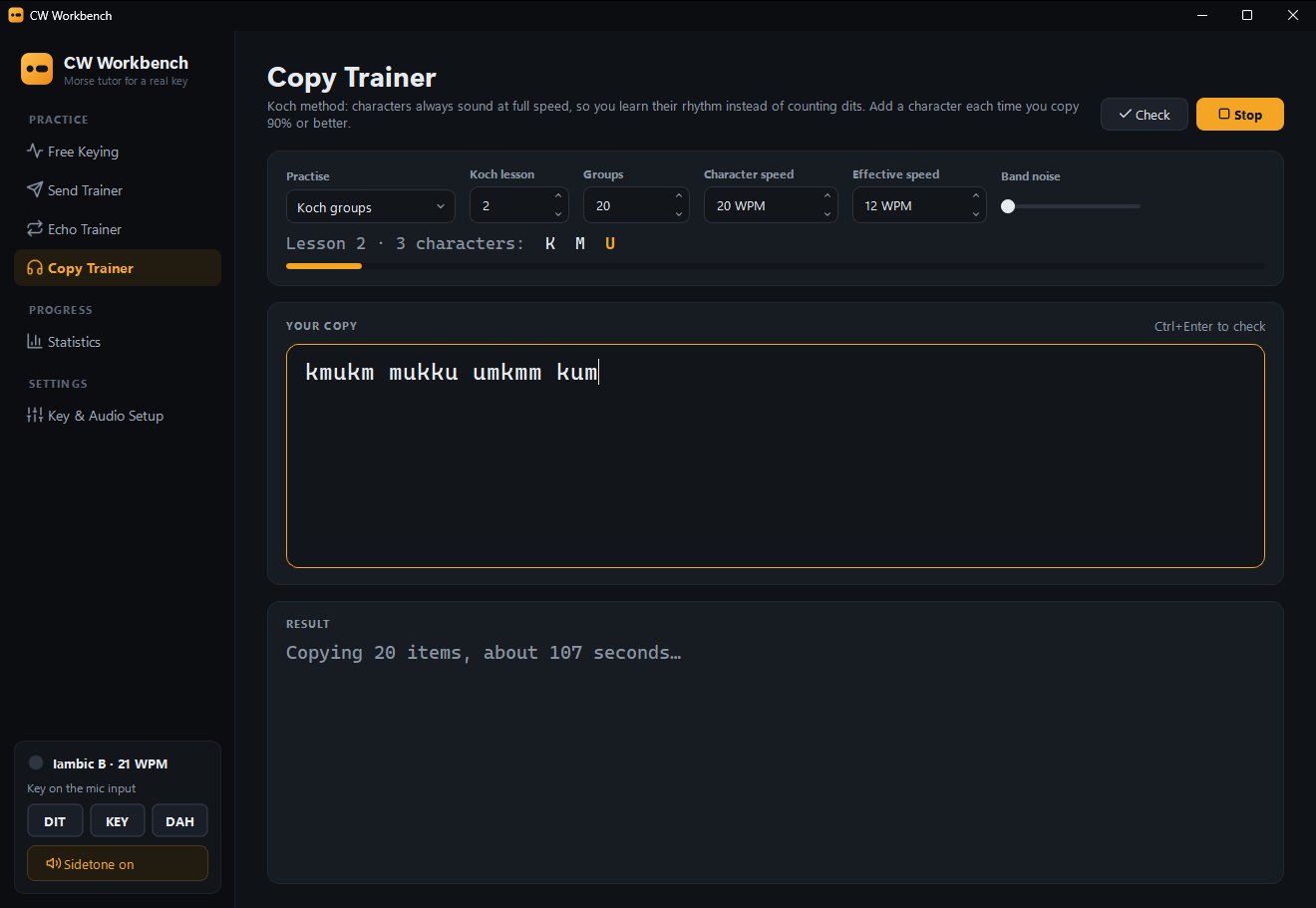 COPY TRAINER
Learn every sound.
The Koch method, one new character at a time, with Farnsworth spacing and band noise.
CONNECT YOUR KEY
One plug.
No extra hardware.
The microphone socket’s bias voltage tells CW Workbench when the key closes. Calibration measures your sound card and sets everything up in about seven seconds.
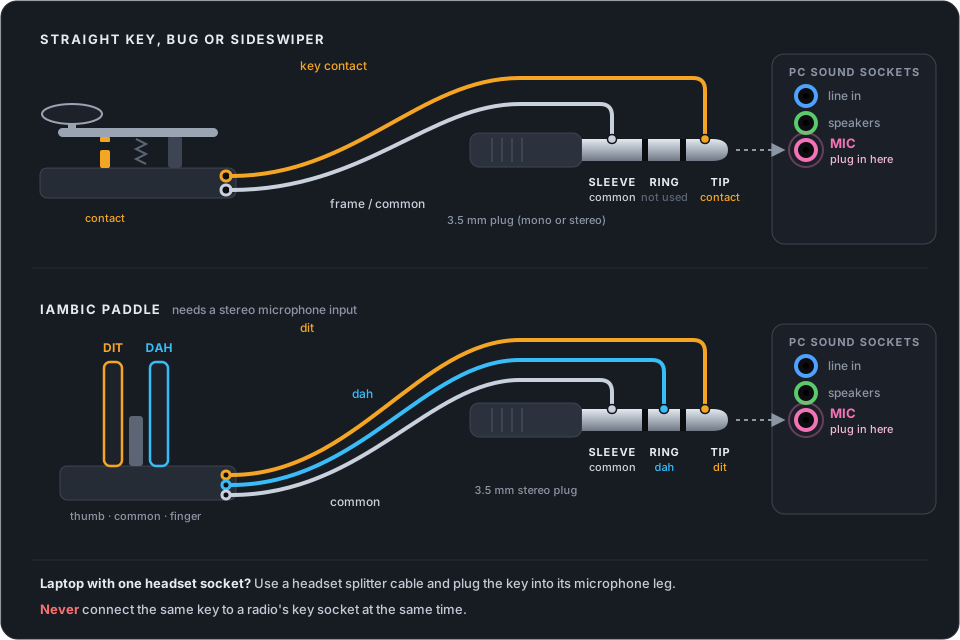
Straight key, bug or sideswiper: tip and sleeve. Iambic paddle: tip is dit, ring is dah, sleeve is common (needs a stereo microphone input). The microphone socket supplies only a few volts through a resistor, so closing a key across it is harmless. Never connect the same key to a radio at the same time.
DOWNLOAD
Free to download.
Free to use.
No account, no trial and nothing to buy. Install it, calibrate your key and start sending.
Requirements: Windows 10 or 11 (64-bit), a microphone socket or a USB sound adapter with one, and headphones or speakers.
- Free Keying and the Send, Echo and Copy trainers
- Statistics that follow your weak characters
- An illustrated user guide, in the app and on the Start menu
- Installs for your account without administrator rights
If Windows shows “Windows protected your PC”, click More info, then Run anyway. The installer isn’t code-signed yet.
QUESTIONS OR IDEAS?
Get in touch.
Ask about your sound card or your key, or say what you’d like to see next. Email [email protected].