SOFTWARE FOR THE KENWOOD TS-890S
Your TS-890S.
A wider view.
Bring the front panel to your desktop. Follow the bands, work a contact and explore everything your station can hear.
Windows & macOS · USB, LAN & TCI
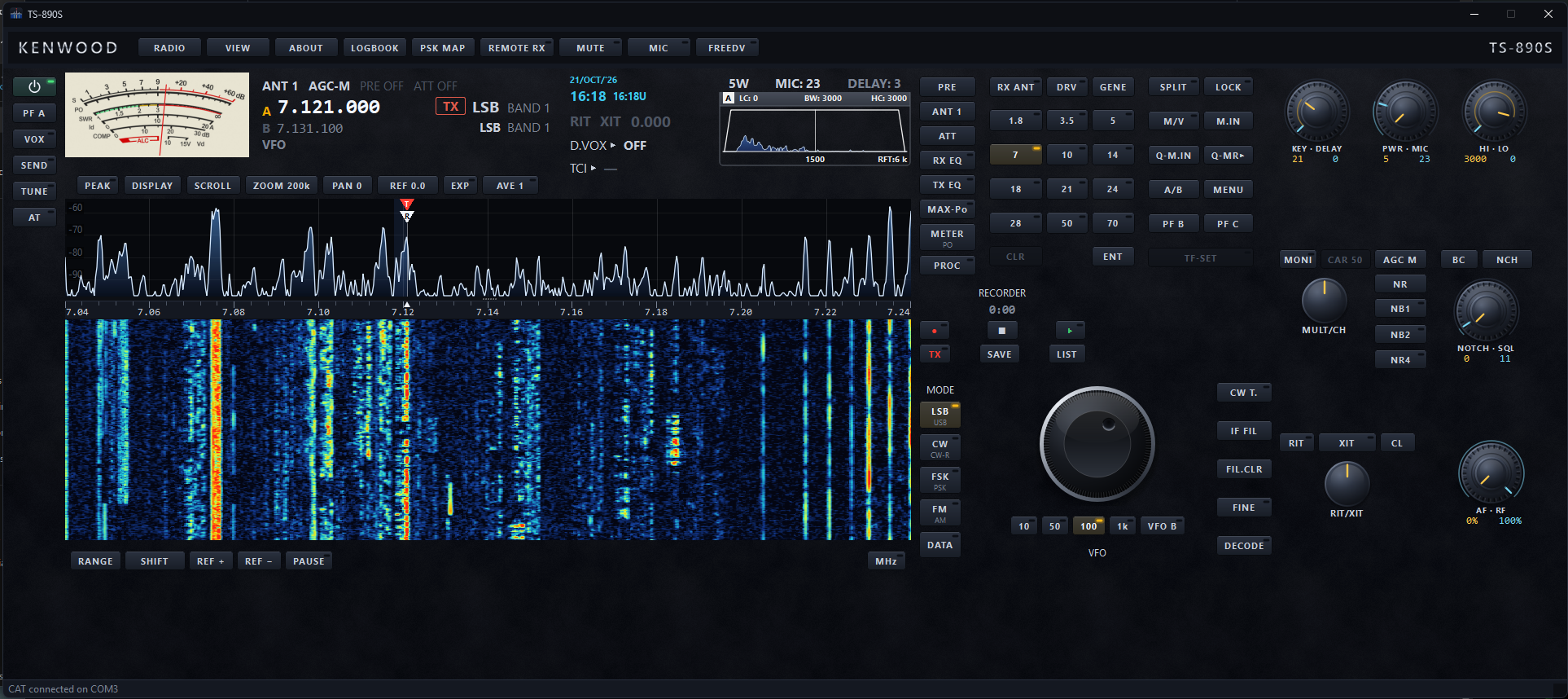
A familiar front panel.
Space for the whole station.
Purpose builtFor the Kenwood TS-890S
A panel you can arrangeMove, resize and save layouts
Connected station toolsTCI, logging and digital modes
A FULL STATION TOOLKIT
Beyond the dial.
Into the log and on the air.
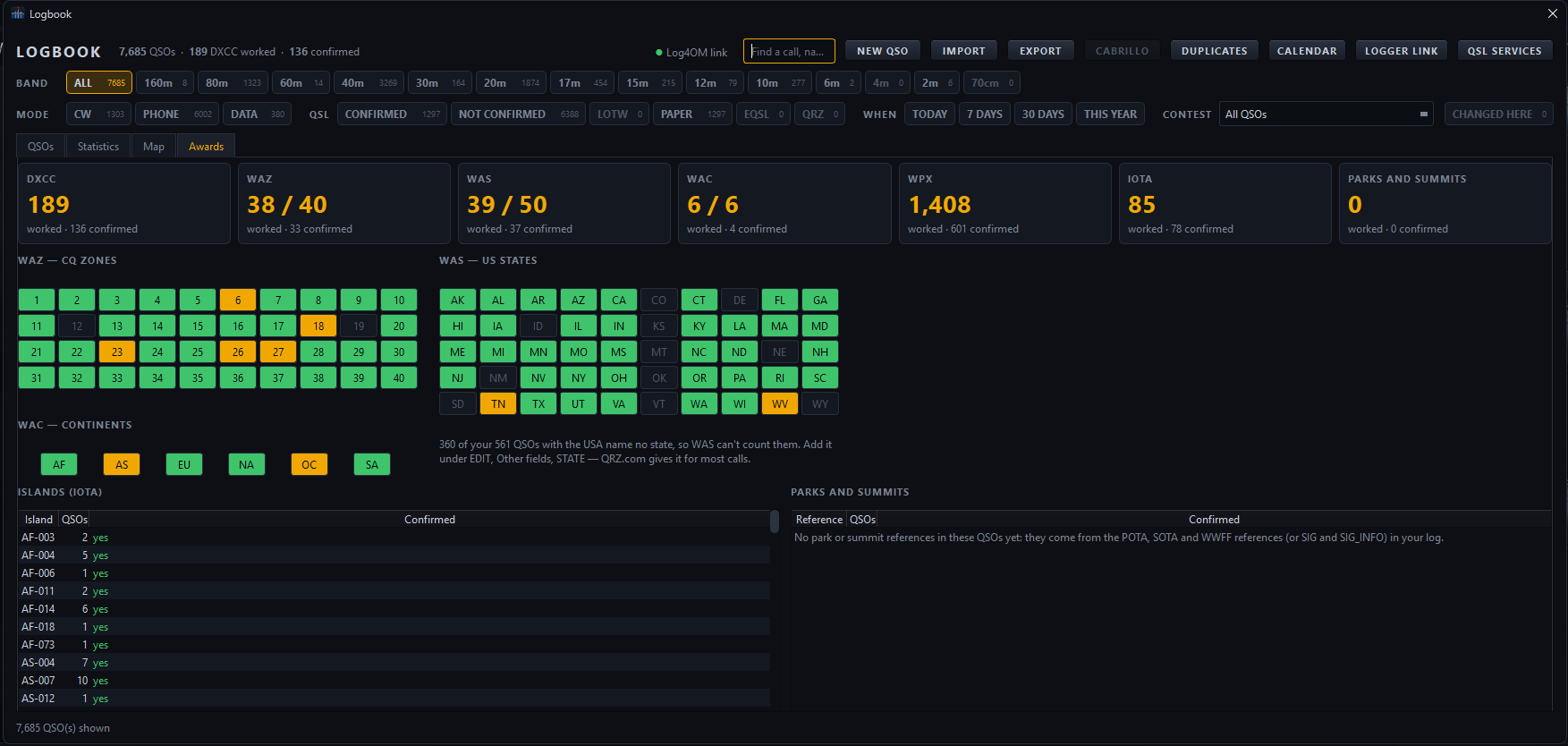
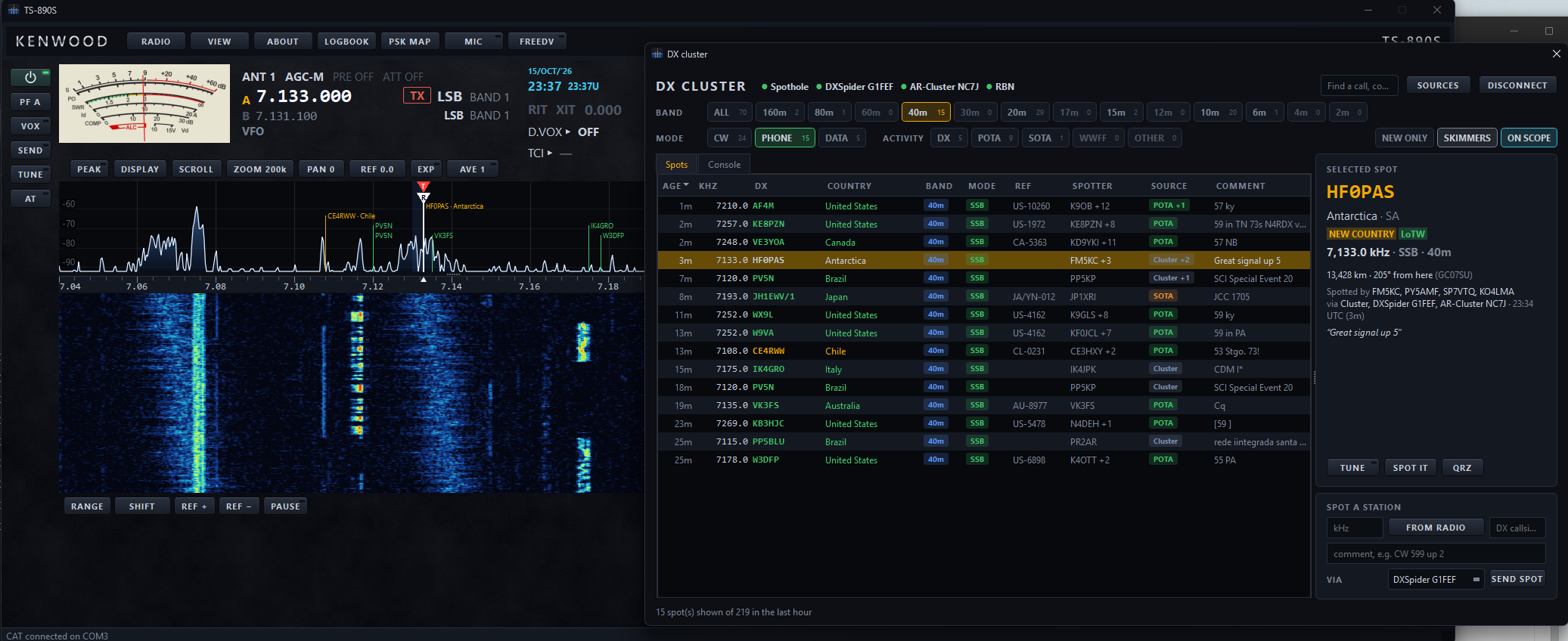
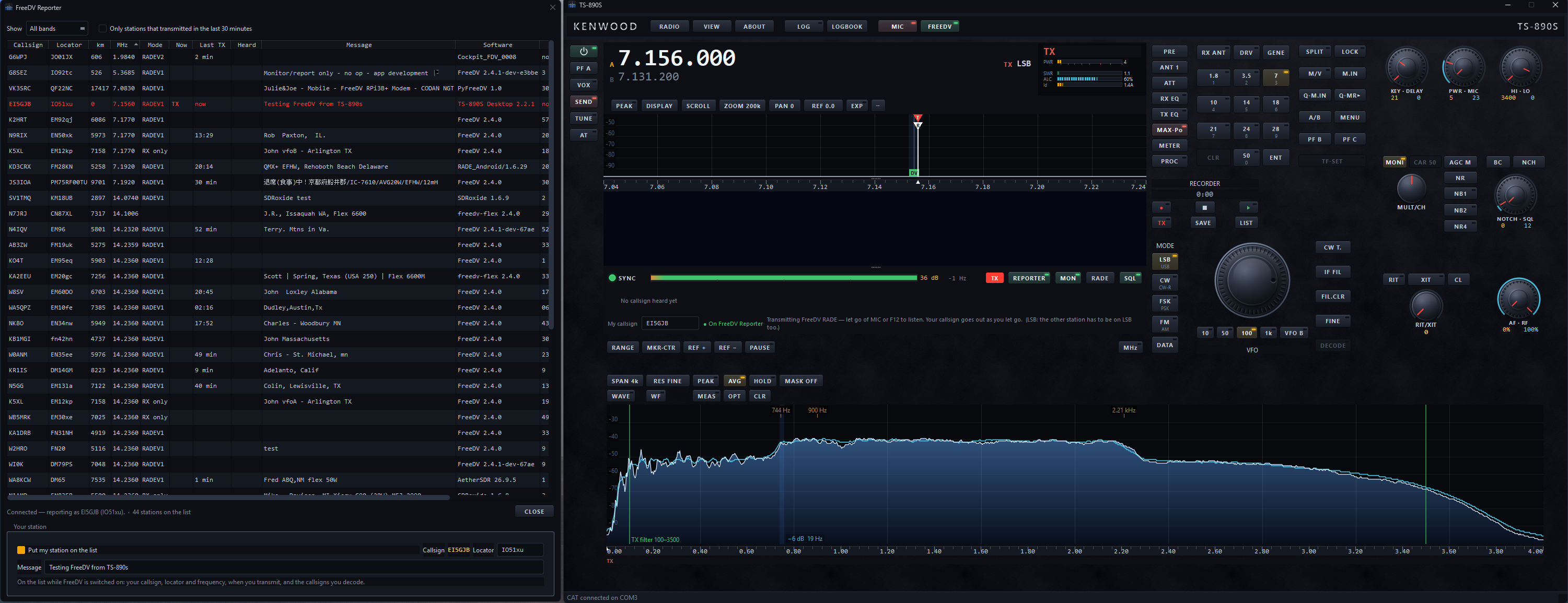
Follow spots and skimmers, explore award progress, or open a built-in digital voice session. Each screen below is from the application.
INSIDE THE APPLICATION
More of the station.
All within reach.
Tune the radio, record the contact and follow activity across the bands. These are real screens from the illustrated operating guide.
Every control.
A clearer picture.
Watch the spectrum and waterfall while you tune. Keep VFOs, split operation, filter width and CW text together on the screen.
Explore radio control →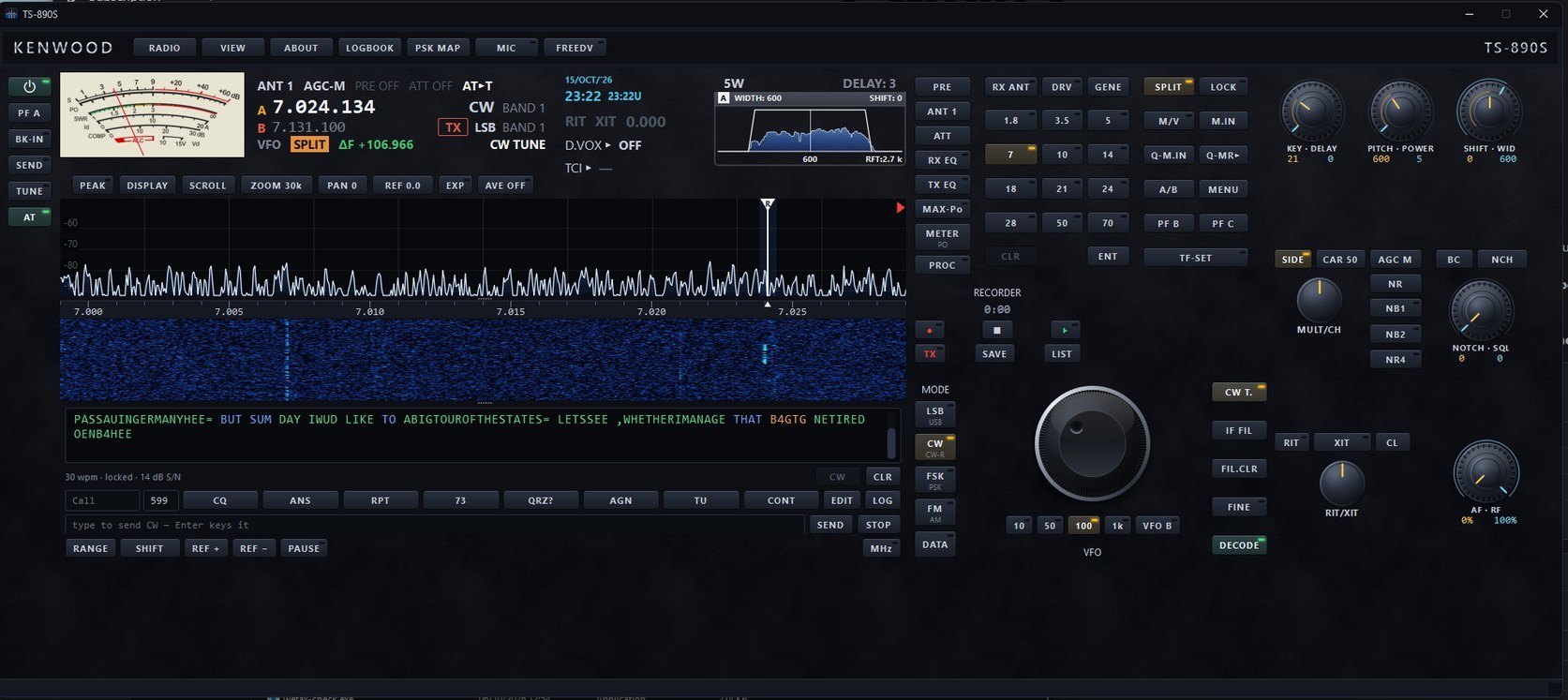
The contact is
only the beginning.
Search your log, check earlier QSOs and follow confirmations. Import and export ADIF, or keep the log in step with your existing logger.
Explore the logbook →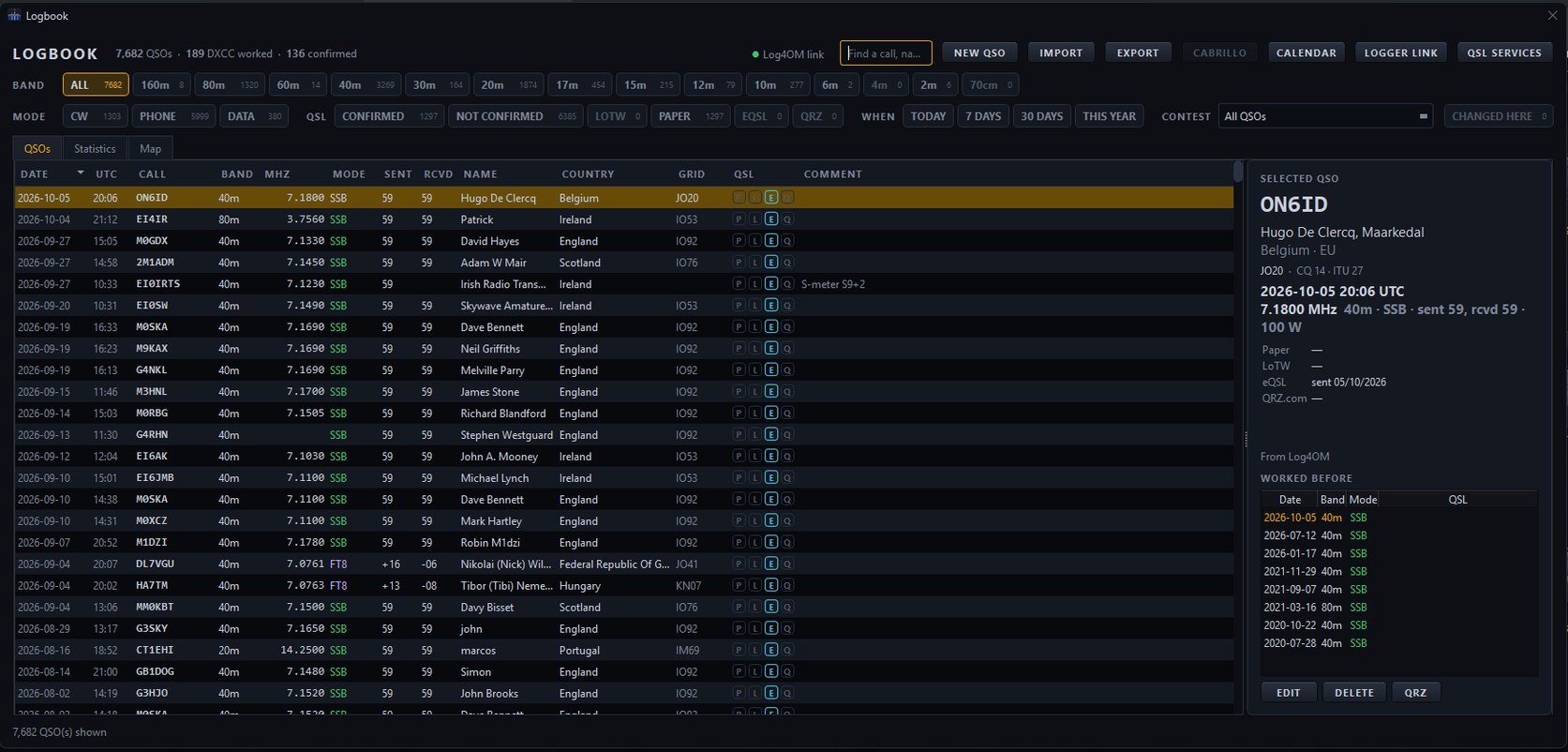
See where
you are heard.
PSK Reporter reception reports put your digital signal on the map. Explore receivers, paths, bands and the history collected by the application.
Explore station tools →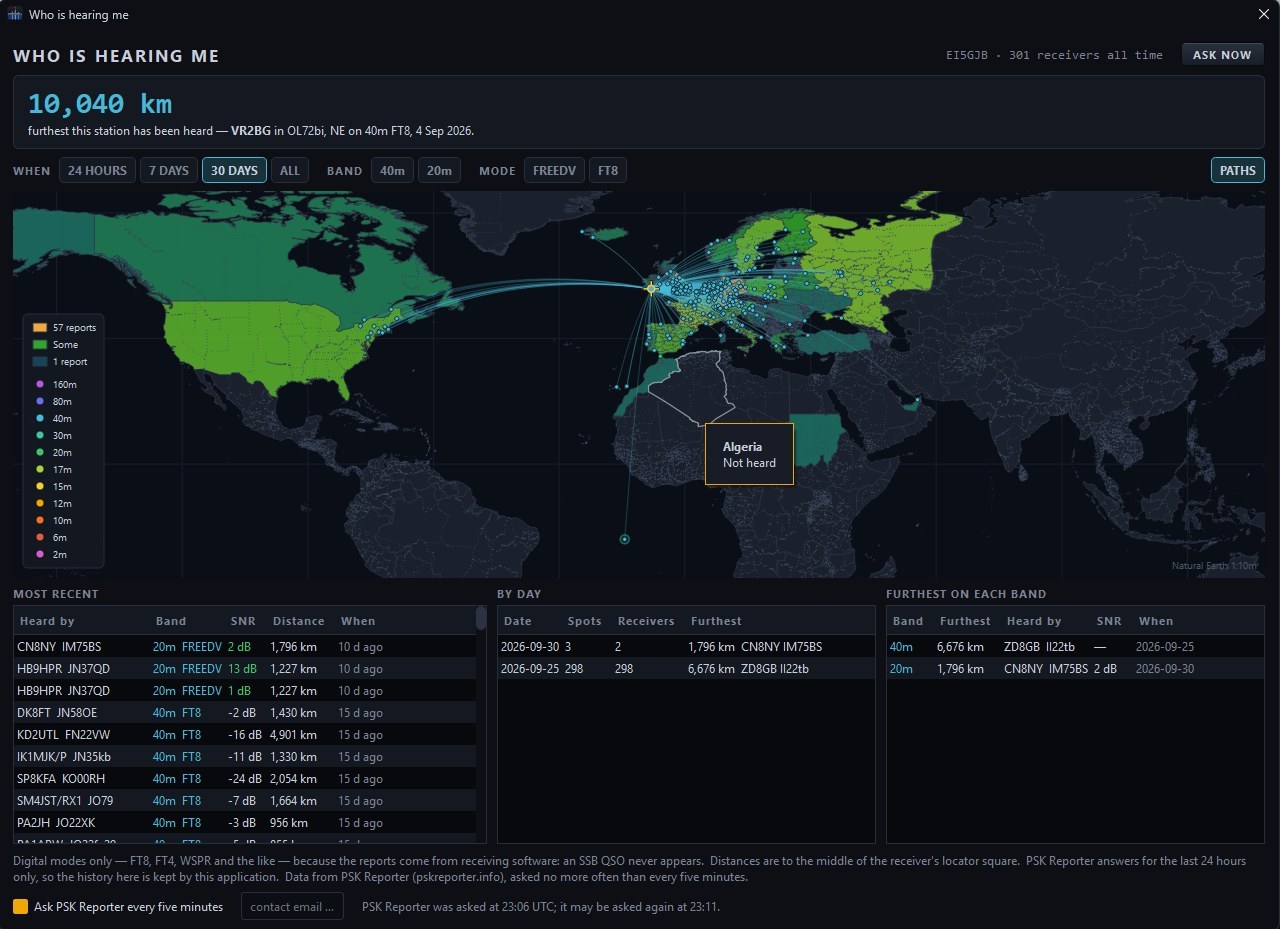
There is more
on the bands.
Explore broadcast schedules and utility signals. The Maritime DSC decoder presents received calls and the message behind each one.
Explore listening tools →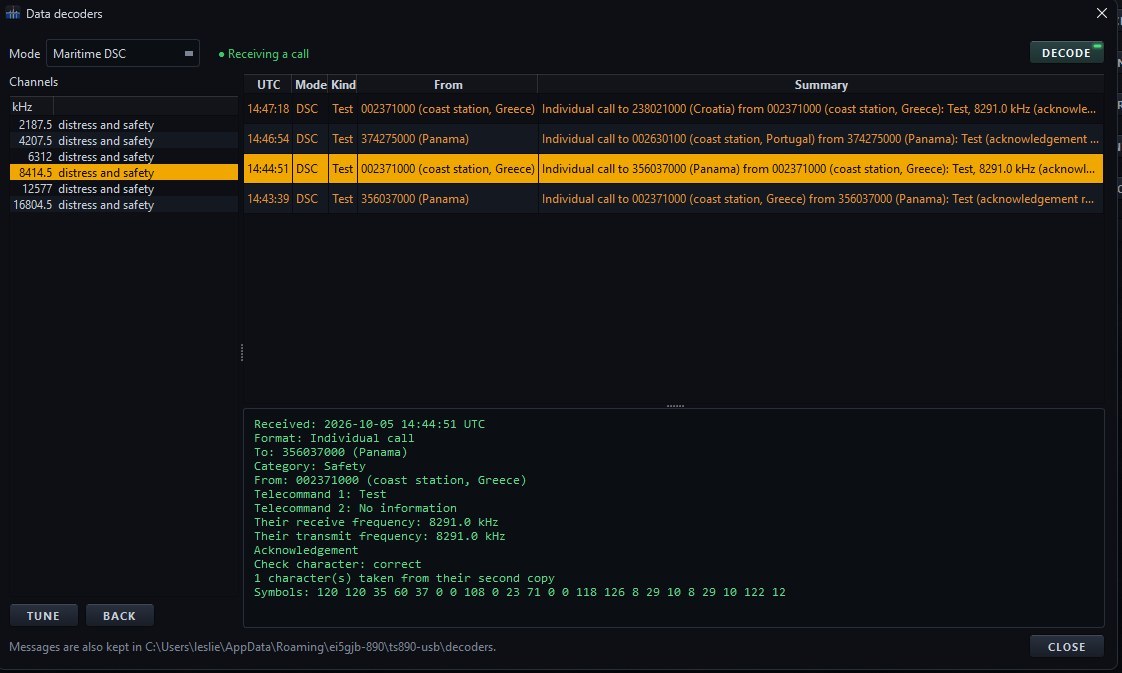
A WORKFLOW THAT FOLLOWS THE QSO
From first call
to the final log.
The operating panel and logbook work together, with the radio’s frequency and mode ready when you open a new contact.
Follow the logging workflow →- 01
Capture the contact
Open Log QSO with Ctrl+L. In CW, RTTY and PSK31, details can come straight from the decoded text.
- 02
Work the contest
Choose a contest to show its exchange, serial numbers and duplicate warnings.
- 03
Review and export
Filter the log, check QSL status and inspect the Cabrillo preview before saving.
AT THE DESK. AWAY FROM HOME.
Understand
every connection.
Start with USB for control and audio. Add Ethernet for a faster bandscope, or use the radio’s network connection for remote operation.
THE DETAILS ARE IN THE GUIDE
A companion for
your time on the air.
Connections, controls, logging, digital modes and remote operation, with real screens and practical instructions.
Open the user guideTS-890S DESKTOP FRONT PANEL
Get closer to your radio.
Choose your download, connect the TS-890S and make the panel your own.